Restaurant billing software that never stops taking orders.
ZaikaLab runs the whole outlet from one Windows PC and Android captain phones: billing, kitchen tickets and GST to the paisa, with or without the internet. The cloud catches up the moment a connection is back.
Windows 10 and 11 · Android 8 and newer · 14-day free trial
- Table 6 orders. The counter bills it.
- The internet drops. Nothing on the floor notices.
- The kitchen ticket prints over the outlet’s own network.
- Bills queue for the cloud. Nine waiting, none lost.
- The line is back. Everything catches up.
One order, start to finish
From the table to the kitchen to the printed bill.
- 1
The captain takes the order at Table 6
Paneer Butter Masala, Veg Biryani, four Butter Naan, tapped on an Android phone and sent to the counter over the outlet’s own Wi-Fi.
Captain app - 2
The kitchen ticket prints at once
The counter owns the order and fires the KOT to the right station. No internet is in the path.
How KOT printing works - 3
The bill prints with GST to the paisa
Subtotal ₹1,120.00, CGST ₹28.00, SGST ₹28.00, total ₹1,176.00. A sequential invoice number, assigned at the counter, never reused.
How GST billing works - 4
The cloud catches up
When the line is back the outlet copies everything up for the owner. Nothing waited on it.
Why offline-first
Try the GST maths
Build a bill. Watch the GST land on the paisa.
Tap dishes from a sample menu. The receipt is the same code path ZaikaLab POS prints from: integer paise, half-up rounding, CGST and SGST split so nothing is lost.
- Paneer Butter Masala₹280.002
- Veg Biryani₹320.001
- Dal Makhani₹240.000
- Chicken Tikka₹340.000
- Butter Naan₹60.004
- Masala Papad₹80.000
7 items · Total ₹1,176.00
Why offline-first
The internet goes down. Billing does not.
Most cloud POS systems freeze the moment the line drops, right in the middle of a rush. ZaikaLab is built the other way around: the outlet works on its own, and the cloud is a copy that catches up later, never a dependency in the path of a sale.
Everything is in sync. Flip the line down to see what a real outage does.
Facts, not slogans
Numbers we can stand behind.
- ₹0.01
GST rounded to one paisa
Integer paise everywhere. Nothing floats.
- 9
tutorial episodes
Short videos recorded on the real product.
- 0 s
a sale waits on the internet
The counter is the source of truth.
Everything the floor needs
Built for the way Indian restaurants actually run.
From the counter to the kitchen to the owner’s phone, every part is designed for a busy outlet on a patchy connection.
Offline-first, not offline-tolerant
The counter PC is the outlet’s source of truth. It never blocks a tap on the internet, and there is nothing to reconnect to lose.
Kitchen tickets that route
Orders split to the right station and print as KOTs with a clean feed and cut, so the line reads them at a glance.
Billing built for India
Item-wise GST, discounts, charges and round-off, sequential invoice numbers per outlet per financial year.
An owner’s console
Sales, GST and device health in your browser, read from what each outlet has already synced. Never editable from afar.
Roles and permissions
What a steward, a cashier and a manager can do is enforced on the counter PC, not just hidden in the screen.
Updates that reach the fleet
Publish a build and every counter PC and handset picks it up on its next check. No visit, no USB stick.
Built for your kind of outlet
Cafes, dhabas, cloud kitchens and bars run differently. ZaikaLab fits each.
Cafes
Quick counter billing for a short menu and a long morning queue.
Dhabas
Big tables, long hours and a highway connection that comes and goes.
Cloud kitchens
A kitchen ticket for every order and GST on every bill, from one counter PC.
Bars and pubs
Captains take rounds at the table and the ticket reaches the right station.
Pricing
Simple per-outlet plans.
One licence per outlet. Start on a trial, move to a plan when it earns its place.
Get the apps
Download ZaikaLab POS, the captain app and the owner app.
The Windows installer and the two Android APKs are the same builds the apps update to.
ZaikaLab POS
Windows 10 and 11 · 64-bit
ZaikaLab-POS-Setup-0.1.9.exe · ~110 MB
ZaikaLab Captain
Android 8.0 and newer
ZaikaLab-Captain-0.1.4.apk · ~56 MB
ZaikaLab Owner
Android 8.0 and newer
ZaikaLab-Owner-0.1.3.apk · ~61 MB
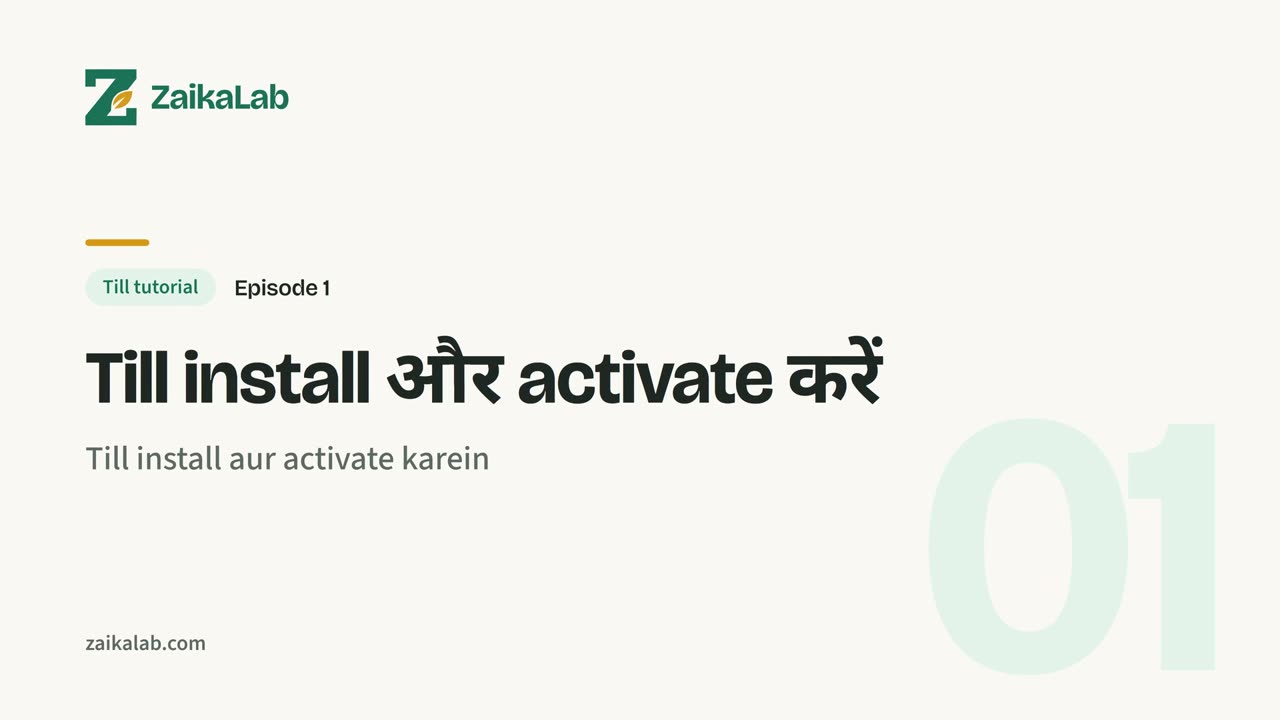
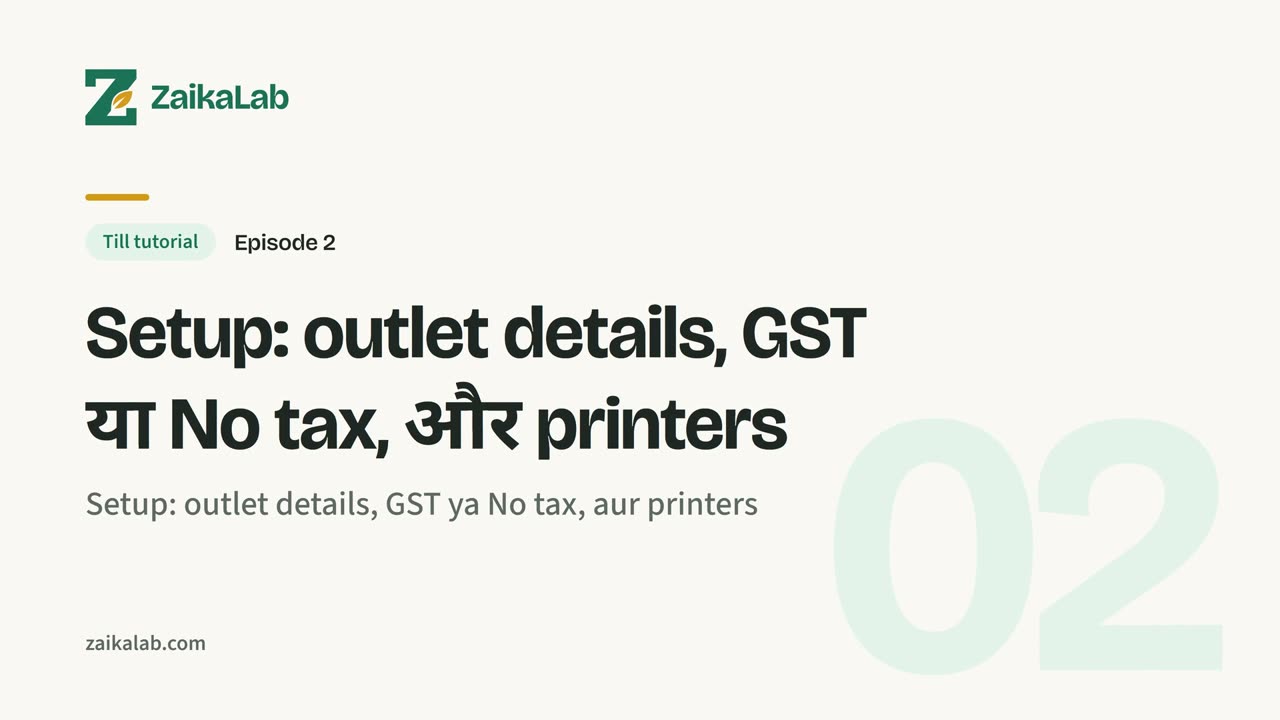
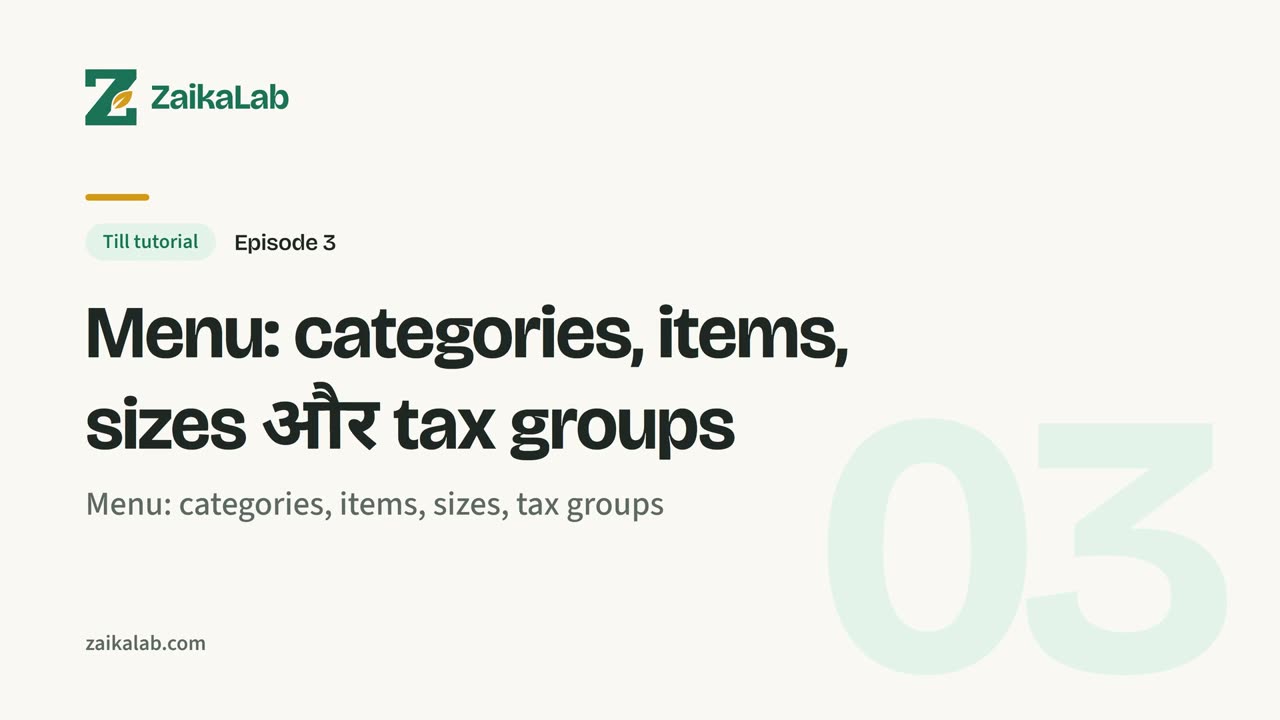
Video tutorials
Watch how ZaikaLab POS works, step by step.
Short Hinglish videos with on-screen subtitles. 9 episodes, about 31 minutes in all.
Book a demo
See ZaikaLab on your own menu.
Tell us about your outlet and we will walk you through ZaikaLab POS, the captain app and the owner console, with your dishes and your GST.
- A live walkthrough, not a slide deck.
- Answers on offline behaviour, GST and your printers.
- A clear next step, whether or not it is a fit.
Ready to see it on your floor?
Book a demo, or download the apps and try ZaikaLab POS for yourself.